
Features
Advanced projection mapping without the advanced learning curve.
Start with guided modeling, alignment, samples, and built-in effects. Detailed controls are ready when your surface or show needs them.
GEOMETRY
Fit visuals to the real surface
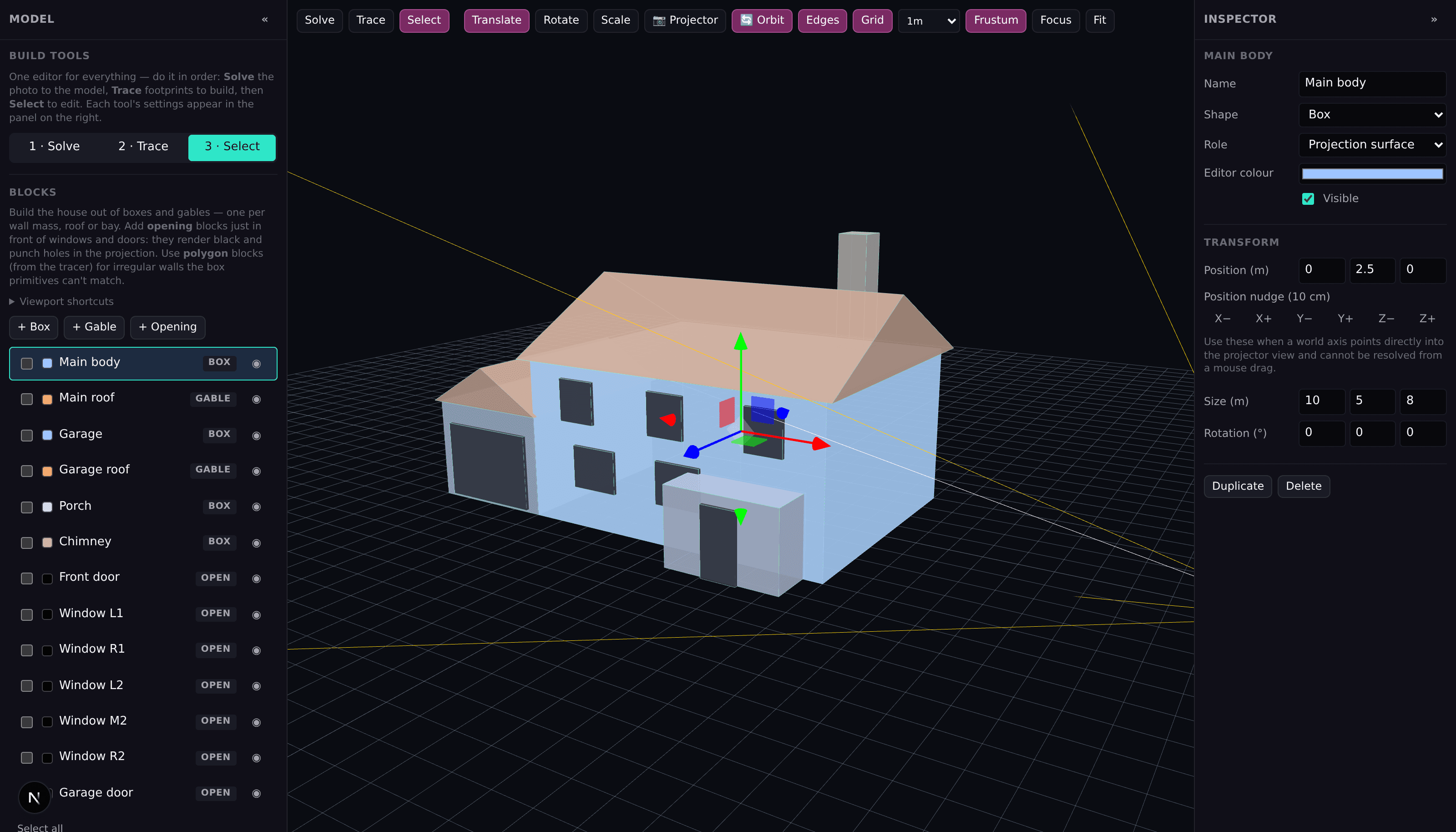
Build walls, gable roofs, doors, and windows as a practical 3D facade, or trace from a reference photo. Then look through the projector camera and align the final output.
- Photo solve, working planes, grids, and face tracing
- Projector position, aim, field of view, and lens shift
- Four-corner alignment and lens correction
THE SHOW
Layer effects on a timeline
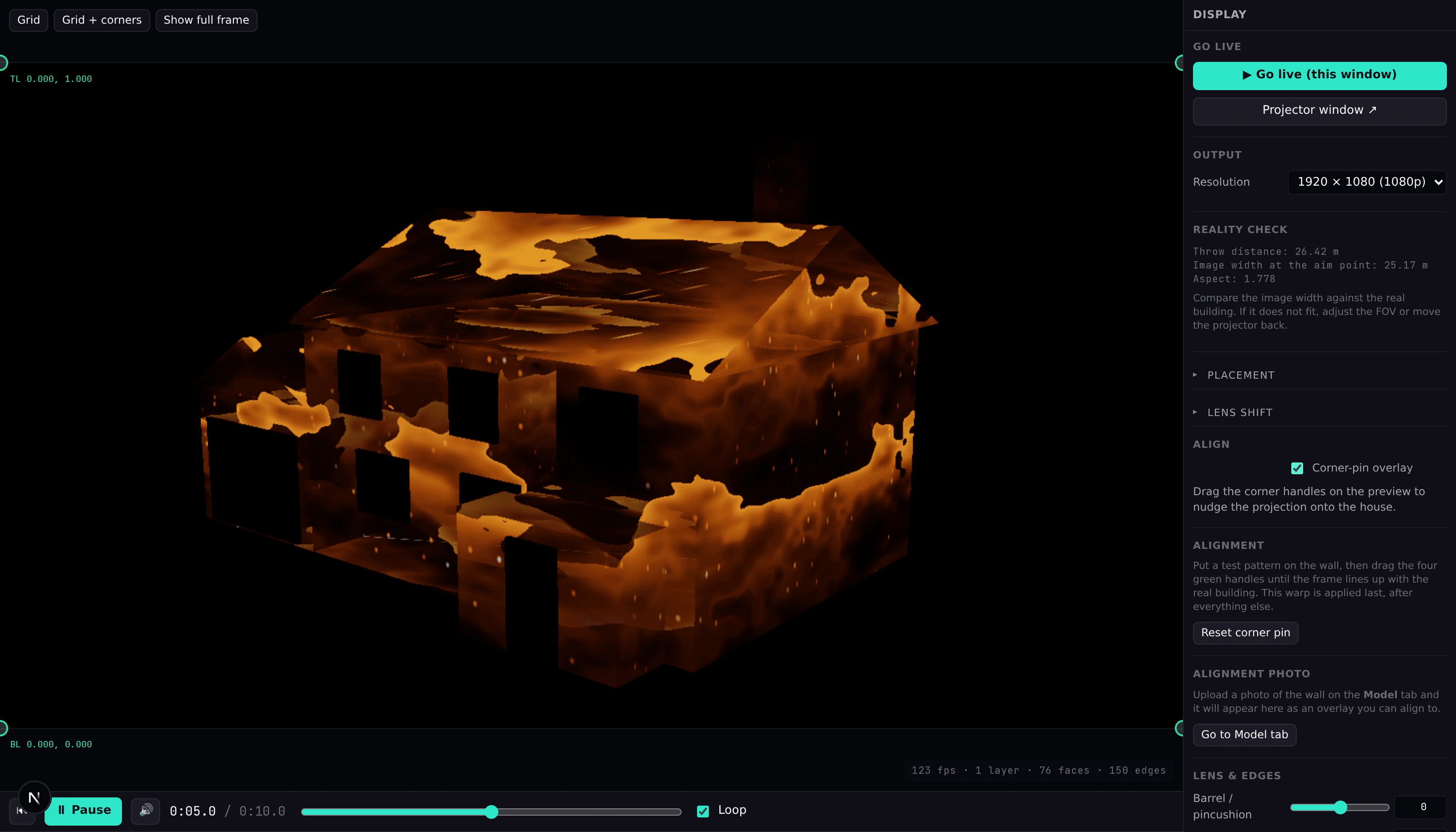
Stack surface, edge, atmosphere, and full-frame layers on separate tracks, overlap their fades to build transitions, and scrub the whole thing while it plays.
- Per-clip timing, fades, opacity, blend mode, and speed
- Target the whole building or individual faces
- Audio-reactive parameters driven by the show’s own soundtrack
BLENDING
Make the projected frame feel intentional
Use a live alignment grid, corner pin, lens correction, edge feathering, and image grading to fit the output to the physical setup.
- Grid and full-frame alignment views
- Barrel and pincushion correction
- Brightness, contrast, color, and edge feather controls